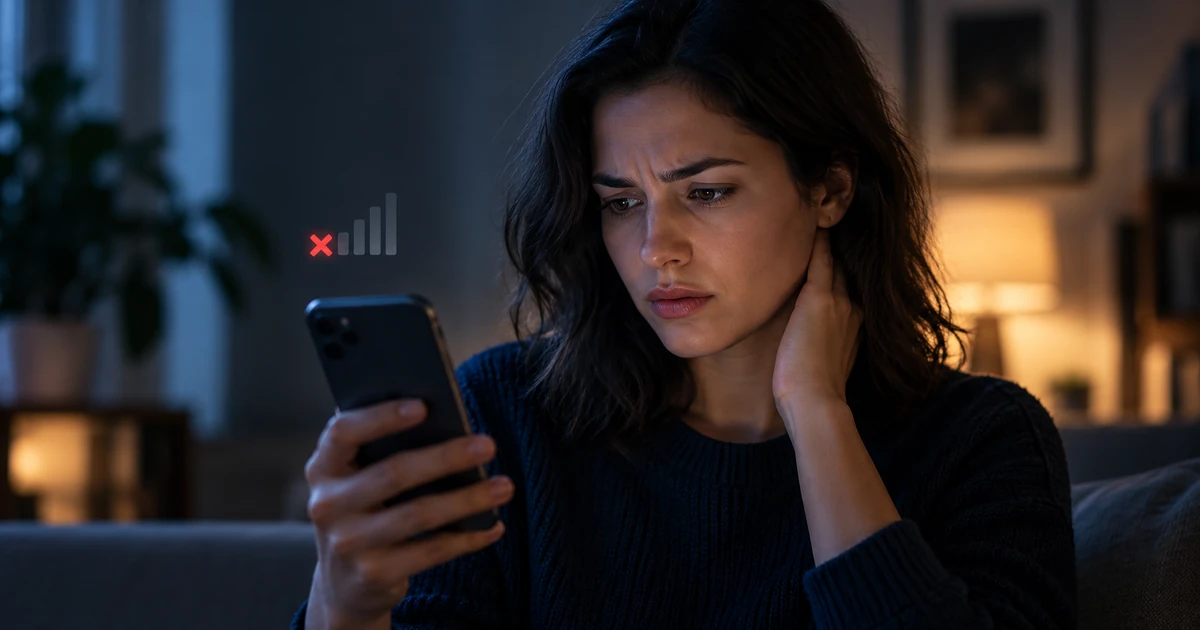
📵 Your Phone Was Working — Then Suddenly Lost Signal
Imagine this situation.
You're using your phone, talking to friends and family, and checking your messages. Then, suddenly, you notice that your mobile signal has disappeared.
Your screen displays "No Service" or "Emergency Calls Only."
You restart your phone, but nothing changes. You can't make calls, and text messages aren't coming through.
Your first thought is that your mobile network provider must be experiencing technical problems.
And in many cases, that really is the explanation.
But there's another possibility: someone may have obtained a replacement SIM card for your phone number without your permission.
This type of fraud is called SIM swapping — a scam in which criminals take control of someone else's phone number.
The most worrying part is that the scammer doesn't even need to steal your phone.
🔍 How Can Someone Steal Your Number Without Touching Your Phone?
Your phone number and your physical SIM card are not the same thing.
Your phone number is associated with your mobile service account, while the SIM card allows your device to connect to the network using that number.
When someone loses their SIM card, their mobile provider can issue a replacement while keeping the same phone number.
Scammers try to exploit this process.
For example, a criminal might call you pretending to be an employee of your mobile network provider.
They might say:
"We're upgrading our network. To keep your number working, please tell me the code you receive by SMS."
A text message containing a verification code really does arrive on your phone.
You believe you're helping the provider solve a technical problem, so you share the code.
But that code may actually be used to approve an action initiated by the scammer.
If the criminal manages to pass the necessary verification checks and transfer your number to a replacement SIM card, their SIM may start working instead of yours.
And your phone may suddenly lose its mobile connection.
Important: This is only one possible scenario. Some criminals use stolen personal information, forged documents, or weaknesses in a mobile provider's identity verification procedures.
💳 Does This Mean a Scammer Can Immediately Steal Money From Your Bank Account?
No. And that's important to understand.
Taking control of a phone number does not automatically give someone access to your money.
Many banks require additional security checks, such as passwords, PINs, device verification, biometrics, or other information.
But the danger is still real.
Imagine that a scammer already knows some of your personal details.
Now they can also receive SMS messages intended for you.
If a service allows users to reset passwords or approve important actions through SMS, the criminal may try to take advantage of that.
The risks are not limited to banking apps. Email accounts, messaging services, and social media profiles can also be targeted.
And if a criminal gains access to your messaging account, they may contact your friends and relatives pretending to be you:
"I urgently need some money. Can you send me a transfer?"
That's why protecting your phone number is just as important as protecting your email password.
🎭 How Can You Recognize a Suspicious Phone Call?
Scammers rarely introduce themselves as scammers.
Instead, they usually pretend to represent familiar, trusted organizations.
For example, you might hear:
- "We're connecting you to a new cell tower to improve your internet connection."
- "Your SIM card will stop working soon."
- "You need to confirm an update to your phone number."
- "Please tell me the code you're about to receive by SMS."
- "Enter a special code on your phone."
Sometimes, the caller even knows the name of your mobile provider and your full name.
That can make the conversation sound official.
But knowing your personal details does not prove that the caller genuinely works for that company.
If someone unexpectedly asks you to share a verification code, reveal a password, or enter a command you don't understand, the safest option is to end the call.
Then open your provider's official app or call the customer support number listed on its official website.
Don't use a phone number provided by the suspicious caller.
⚠️ Five Warning Signs You Should Know
1. Your phone suddenly loses its mobile signal.
This is especially suspicious if other people nearby are still using the same network without any problems.
2. You receive a notification about a SIM replacement.
You haven't requested a new SIM card or eSIM, but your provider sends a message about one.
3. Unexpected verification codes start arriving.
You haven't tried to sign in or change anything, yet you keep receiving SMS verification codes.
4. Someone calls claiming to represent your mobile provider.
The caller pressures you, demands a verification code, or asks you to perform actions you don't understand.
5. You notice unusual activity on your accounts.
You discover unfamiliar login sessions, password changes, or suspicious banking transactions.
Each of these signs may have an innocent explanation.
But if several happen together, it's important to act quickly.
🛡️ How to Protect Your Phone Number: Five Simple Steps
1. Ask Your Provider to Restrict Remote SIM Replacements
This is one of the most useful security measures you can take.
Contact your mobile provider and ask:
"Can I block remote SIM card replacements so that a new SIM can only be issued after additional identity verification?"
Some providers allow customers to enable additional restrictions through their official apps or customer support services.
The available options depend on your country and mobile network provider.
2. Never Share SMS Verification Codes
Even if the person calling claims to work for your bank, mobile provider, or law enforcement.
If you receive an unexpected verification code, never share it with someone else.
And don't enter unfamiliar combinations of numbers or symbols on your phone if you don't understand what they do.
3. Add Extra Security to Your Important Accounts
Use available multi-factor authentication methods for your email, banking services, and other important accounts.
If a service supports an authenticator app, passkeys, or a physical security key, these methods generally provide better protection against attacks involving stolen phone numbers than SMS-based verification.
4. Consider Using a Separate Number for Banking
Some people use one phone number for everyday communication, advertisements, and social media, while keeping another number exclusively for financial services.
This can help reduce how widely their banking phone number is shared.
However, having a separate SIM card does not automatically protect against an unauthorized SIM replacement.
That number also needs appropriate security measures.
5. Check How Your Phone Number Is Registered
In discussions about SIM-swapping scams, people often recommend registering a phone number under an identity document or using a formal mobile contract.
This can strengthen security if the provider requires an in-person visit or additional identity checks before replacing a SIM card.
But having a registered contract or providing identification does not guarantee complete protection.
And you should never send identity documents to an unknown caller.
Always check available security options directly with your mobile provider through official channels.
❓ Frequently Asked Questions
Am I Safe If I Use a Basic Phone Instead of a Smartphone?
No.
A basic phone may reduce certain risks associated with apps and malicious software, but your phone number can still be targeted through an unauthorized SIM replacement.
If I Never Answer Unknown Calls, Can Scammers Still Target Me?
Yes.
Ignoring unknown calls can reduce the risk of telephone-based scams, but it doesn't eliminate every possible attack.
Criminals may use stolen information or other methods.
Does a SIM PIN Prevent SIM Swapping?
No.
A SIM PIN helps protect your physical SIM card from unauthorized use.
But it doesn't replace additional protections against remote SIM replacement at your mobile provider.
These are two different security measures.
Am I Protected If I Have Two-Factor Authentication Enabled?
It depends on the type of authentication.
SMS-based verification can be vulnerable if someone takes control of your phone number.
An authenticator app or physical security key generally provides stronger protection against this specific type of attack.
If My SIM Card Is Registered Under My Passport, Can Scammers Still Take Over My Number?
Unfortunately, there is no absolute guarantee.
Your security depends on the identity verification procedures your mobile provider follows when issuing replacement SIM cards.
🚨 What Should You Do If Your Phone Has Already Lost Signal?
First, don't panic.
Losing your mobile signal doesn't automatically mean someone has stolen your number.
But if your connection disappears unexpectedly, especially after suspicious calls or SMS messages, don't delay checking what happened.
First — contact your mobile provider.
If your phone number isn't working, use another phone or an internet connection.
Ask the provider to check whether your SIM card was replaced or your number was transferred without your permission.
Second — contact your bank.
If there are signs that someone has taken control of your number, inform your bank and ask them to review the security of your account.
If necessary, request restrictions on suspicious transactions.
Third — check your email and messaging accounts.
Using a trusted device, review unfamiliar login sessions, changed security settings, and account recovery requests.
If you discover signs of unauthorized access, change your passwords and sign out unknown devices.
Fourth — warn your friends and family.
If criminals have accessed your accounts, they may try to request money from people you know while pretending to be you.
Fifth — preserve evidence.
Don't delete suspicious text messages, conversations, or notifications.
Write down when your mobile connection disappeared and save any available information about what happened.
If fraud is confirmed, report the incident to law enforcement.
💚 Three Important Things to Remember
Never share your verification codes with anyone.
Ask your mobile provider how to protect your number against unauthorized SIM replacements.
If your phone suddenly loses signal after suspicious activity, check the status of your number immediately.
Scammers don't rely on technology alone.
Very often, they take advantage of people's confusion, urgency, and trust.
That's why a few simple precautions can sometimes matter more than complicated security settings.
Protect your phone number. Today, it safeguards far more than your ability to make a phone call.
🔎 About Axon OSINT
Axon OSINT is a platform for digital investigations, open-source intelligence analysis, and organizing information related to potential fraud.
If you've experienced a suspicious attempt to take over your phone number, preserve any messages and other available evidence.
If needed, you can submit an incident report through Axon OSINT.
Reporting an incident through Axon OSINT does not replace contacting your mobile provider, bank, emergency services, or law enforcement when necessary.